
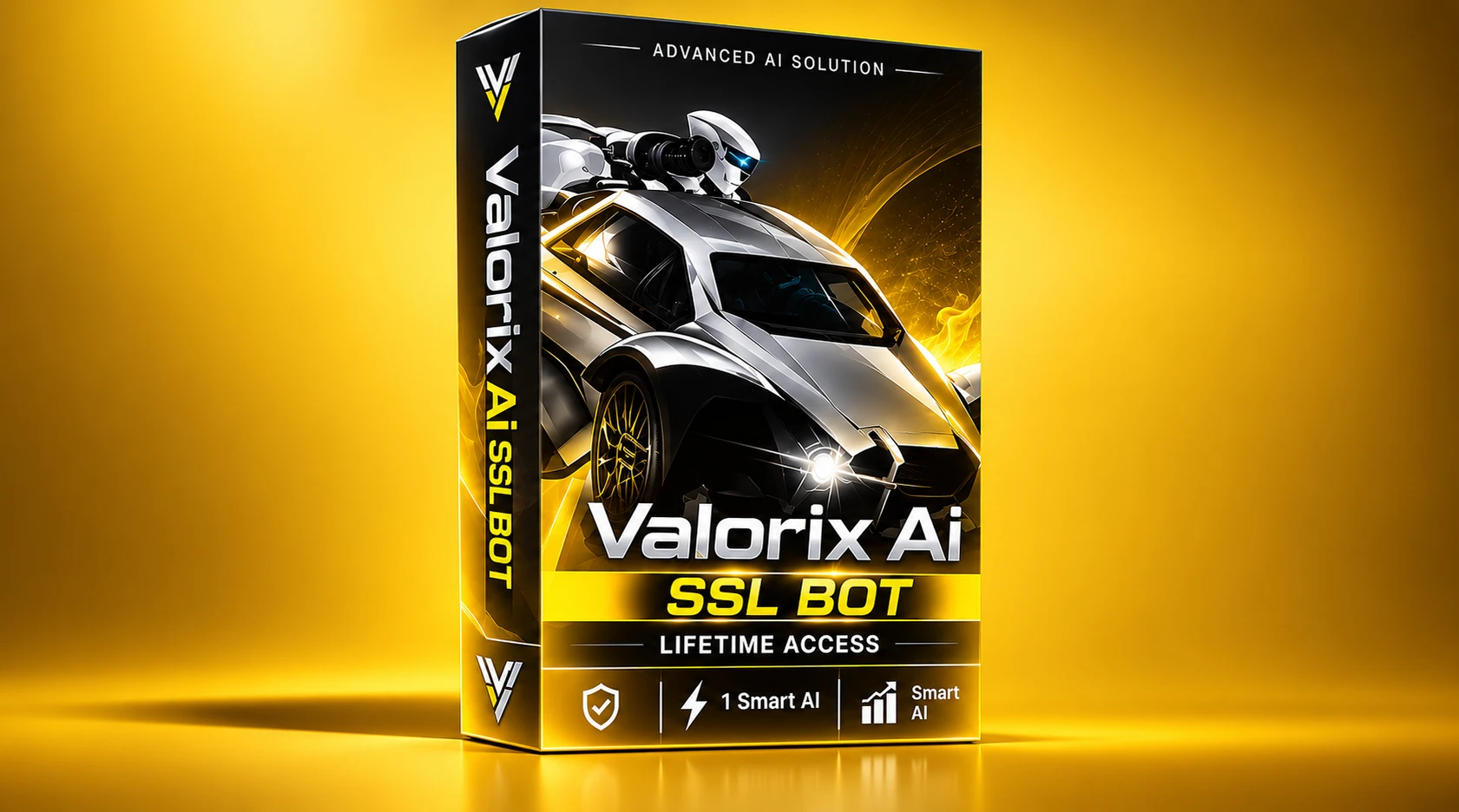
Valorix AI SSL BOT
Bot control & performanceToggle, status display and where the model runs.+ Enable or disable the bot at any time Live status: ACTIVE, PAUSED, ONLY SPLIT or OFF Custom...
Total
£9.99
each
In stock
In stock
Out of stock
Instant deliverySent automatically after payment
Secure checkoutProcessed by SellAuth
Dedicated supportHelp whenever you need it
Bot control & performanceToggle, status display and where the model runs.+
- Enable or disable the bot at any time
- Live status: ACTIVE, PAUSED, ONLY SPLIT or OFF
- Custom toggle key — keyboard, mouse or controller button
- CPU inference by default, optional NVIDIA CUDA GPU inference
- GPU availability and device status shown in the GUI
- Auto-Recognition pauses the bot the moment you take over
- Configurable Auto-Recognition delay and controller deadzone
- Swap bot model from the GUI while outside a match
Movement backendsThree ways to send controls — pick performance or a lighter footprint.+
Memory WritesBest performance
- Direct game-memory control
- Works split-screen and while Rocket League is unfocused
- Best bot response
- Disabled while Safe Mode is active
ViGEmVirtual controller
- Drives the bot through a virtual Xbox 360 controller
- Requires ViGEmBus
- Rocket League must stay focused
- One local player, no split-screen
- Pauses while menus own the input or the match is paused
Native XInputNo driver
- Uses Rocket League's local controller input path
- Creates no virtual controller device
- Rocket League must stay focused
- Supports split-screen
- Disabled while Safe Mode is active
- Safe ModeRead-only features plus ViGEm movement.+
- Allows read-only features and ViGEm bot movement
- Blocks new direct game-memory writes and internal game calls
- Disables incompatible actions and rendering automatically
- An operational restriction — not an undetectability guarantee#
- Match actions & automationQueue, leave, forfeit and split-screen helpers.+
- Instantly forfeit the current match
- Add a local split-screen player
- Randomize car presets
- Auto Queue with a configurable 1–10 second delay
- Auto Leave with a configurable 1–10 second delay
- BallCam Spam
Direct match actions are disabled by Safe Mode
Screenshots
See it in action
images · click to enlarge
/
![]()
Bot control & performanceToggle, status display and where the model runs.+
- Enable or disable the bot at any time
- Live status: ACTIVE, PAUSED, ONLY SPLIT or OFF
- Custom toggle key — keyboard, mouse or controller button
- CPU inference by default, optional NVIDIA CUDA GPU inference
- GPU availability and device status shown in the GUI
- Auto-Recognition pauses the bot the moment you take over
- Configurable Auto-Recognition delay and controller deadzone
- Swap bot model from the GUI while outside a match
Movement backendsThree ways to send controls — pick performance or a lighter footprint.+
Memory WritesBest performance
- Direct game-memory control
- Works split-screen and while Rocket League is unfocused
- Best bot response
- Disabled while Safe Mode is active
ViGEmVirtual controller
- Drives the bot through a virtual Xbox 360 controller
- Requires ViGEmBus
- Rocket League must stay focused
- One local player, no split-screen
- Pauses while menus own the input or the match is paused
Native XInputNo driver
- Uses Rocket League's local controller input path
- Creates no virtual controller device
- Rocket League must stay focused
- Supports split-screen
- Disabled while Safe Mode is active
- Safe ModeRead-only features plus ViGEm movement.+
- Allows read-only features and ViGEm bot movement
- Blocks new direct game-memory writes and internal game calls
- Disables incompatible actions and rendering automatically
- An operational restriction — not an undetectability guarantee#
- Match actions & automationQueue, leave, forfeit and split-screen helpers.+
- Instantly forfeit the current match
- Add a local split-screen player
- Randomize car presets
- Auto Queue with a configurable 1–10 second delay
- Auto Leave with a configurable 1–10 second delay
- BallCam Spam
Direct match actions are disabled by Safe Mode
Included with your access
Powerful Features. Complete Control.Everything you need for the ultimate gaming experience.
features total
Product details
Bot control & performanceToggle, status display and where the model runs.+
- Enable or disable the bot at any time
- Live status: ACTIVE, PAUSED, ONLY SPLIT or OFF
- Custom toggle key — keyboard, mouse or controller button
- CPU inference by default, optional NVIDIA CUDA GPU inference
- GPU availability and device status shown in the GUI
- Auto-Recognition pauses the bot the moment you take over
- Configurable Auto-Recognition delay and controller deadzone
- Swap bot model from the GUI while outside a match
Movement backendsThree ways to send controls — pick performance or a lighter footprint.+
Memory WritesBest performance
- Direct game-memory control
- Works split-screen and while Rocket League is unfocused
- Best bot response
- Disabled while Safe Mode is active
ViGEmVirtual controller
- Drives the bot through a virtual Xbox 360 controller
- Requires ViGEmBus
- Rocket League must stay focused
- One local player, no split-screen
- Pauses while menus own the input or the match is paused
Native XInputNo driver
- Uses Rocket League's local controller input path
- Creates no virtual controller device
- Rocket League must stay focused
- Supports split-screen
- Disabled while Safe Mode is active
- Safe ModeRead-only features plus ViGEm movement.+
- Allows read-only features and ViGEm bot movement
- Blocks new direct game-memory writes and internal game calls
- Disables incompatible actions and rendering automatically
- An operational restriction — not an undetectability guarantee#
- Match actions & automationQueue, leave, forfeit and split-screen helpers.+
- Instantly forfeit the current match
- Add a local split-screen player
- Randomize car presets
- Auto Queue with a configurable 1–10 second delay
- Auto Leave with a configurable 1–10 second delay
- BallCam Spam
Direct match actions are disabled by Safe Mode